How to charge a digital door lock battery correctly: use a suitable charger, charge when 1-2 bars are left rather than waiting until it is empty, pick a good time to charge, and extend battery life.
Hello! In this article we explain the right way to charge digital door locks with rechargeable batteries, such as the Lenovo X5F, the MASSIVE LOCK CODY-603WIFI and the Massive Lock CINDY-Z18WIFI.
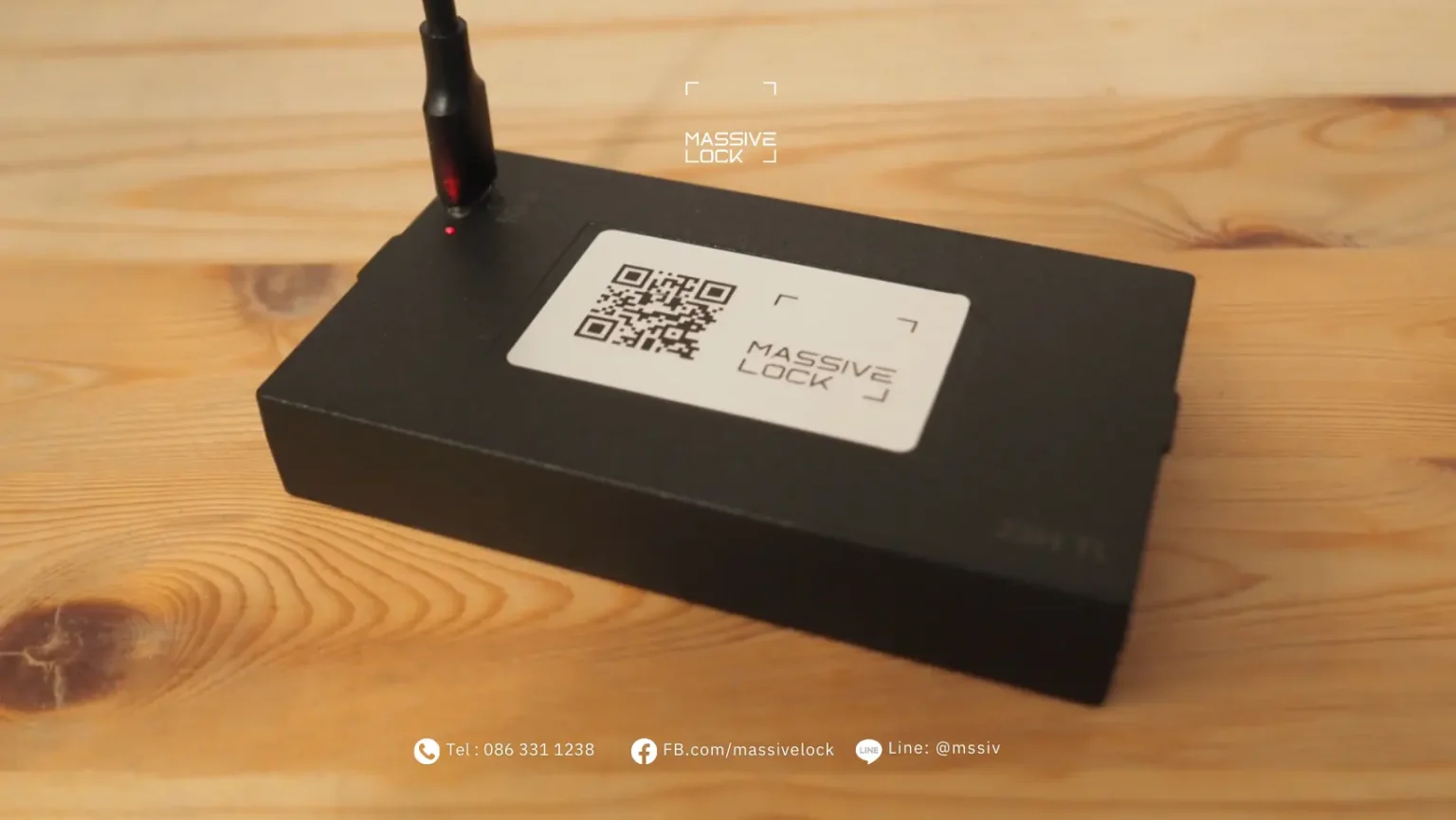
What to Know About Charging a Digital Door Lock Battery
1. Use a Type-C charger with enough power
- Use a charger rated at 2.1A or more
- Low-power power banks (1A) are not recommended, as they may not charge the battery properly
2. Avoid quick charging
- Use a standard charger
- Quick Charge or fast-charging adapters can shorten battery life in the long run
3. Don't wait for the battery to run flat
- Charge when 1-2 bars are left rather than waiting until it is empty
- Charging while some charge remains is quicker, so you wait less
- It also extends battery life over time
4. Check the battery level regularly
- Check the battery before you leave home
- Don't let the battery run too low; charge it as soon as you get a warning
Frequently Asked Questions
Q: How do I lock the door when I go out while the battery is charging?
A: Use the key. While the battery is charging, you can lock the door with the emergency key as usual.
The Best Time to Charge
The most convenient time to charge is when you're at home and don't need to go out, for example:
- Before bed: lock the door, take the battery out to charge overnight, and put it back in the morning
- While working from home: any time you know you won't be going out is a good time to charge
- At the weekend: when you're home all day
More Tips
- Keep the spare key outside the house – keep the emergency key somewhere safe outside, such as your everyday bag, your car or a close relative's home
- Emergency charging – if the battery runs out, most digital door locks can be powered from a power bank through the USB port so you can open the door right away
- Charging time – a full charge usually takes about 4-6 hours, depending on the model and the condition of the battery
- Battery life – a full charge should last several months, depending on how often you use the lock and which functions you use
- Keep a spare battery – some customers buy a second battery, so they can swap it in while the first one charges, which makes life much easier
Looking after the battery properly extends the life of your digital door lock and lowers the risk of it running flat at a bad moment. If you have any questions about using or maintaining your lock, just ask.
Contact us on LINE: @mssiv
Or call 086 383 1832
Need Architectural Consultation?
Our security engineers provide complimentary site visits, door structural surveys, and system sizing.